Arabic and English on One Page: Why It Matters for UAE Businesses (and How to Do It Right)
 GrowthPages team · 2026-11-27
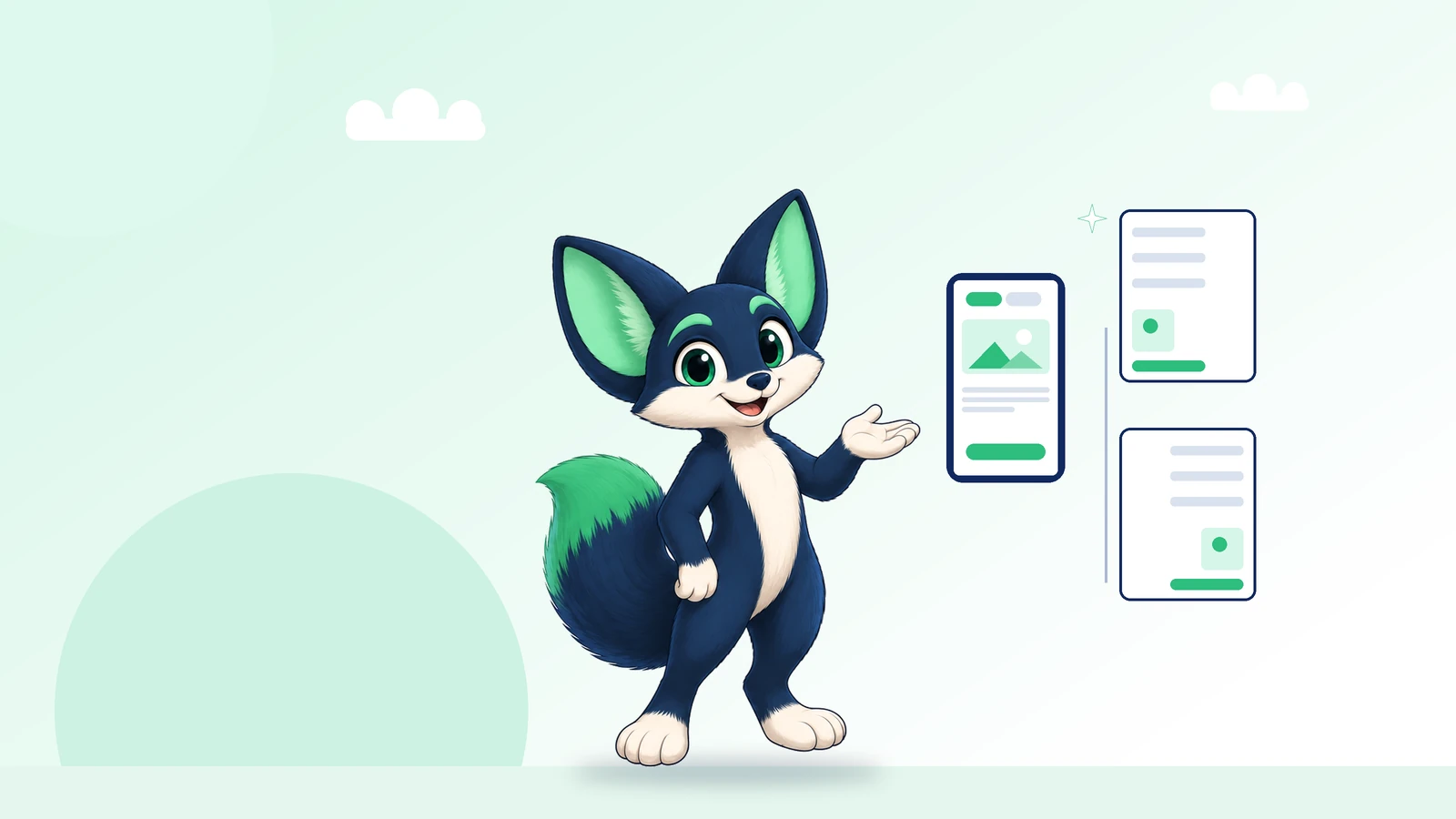
Short answer: In the UAE your customers read Arabic, English or both, so a page in both languages reaches more of them. Doing Arabic right means right-to-left layout, real writing instead of a pasted translation, and wording that suits the Gulf. For most small businesses, one page with a language switch is the simplest way to start.
An English-only page is not wrong, but it leaves out customers who would rather read and decide in Arabic.
Who your customers are
The UAE is home to people from many countries. Customers read different languages, and many read more than one.
- Arabic readers. Emirati and Arab residents, who often prefer to read and message in Arabic.
- English readers. Many residents and visitors from around the world, who use English as a shared language.
- Both. Many customers switch between the two depending on the situation.
Your own customers may lean one way or the other. Look at the messages you receive on WhatsApp and Instagram. Which language do people write in? That tells you more than any general guess.
A bilingual page lets each customer choose without asking.
What "doing Arabic right" means
Putting Arabic on a page is more than adding words. Four things matter.
Right-to-left layout
Arabic reads from right to left. The text, the buttons, the menus and the order of items should flip with it. If Arabic text sits in an English layout, it looks wrong and feels careless.
Real translation
A word-for-word translation often reads strangely. Arabic should be written or checked by someone who reads it fluently, so it sounds natural and clear. Machine translation alone is a risk, especially for offers, prices and instructions.
Gulf-friendly wording
Arabic varies across regions. For UAE customers, choose wording that is clear and familiar in the Gulf, and keep the tone polite and simple. Avoid overly formal or very casual phrases, unless your brand voice calls for them.
Numbers and prices
Show prices clearly in AED. Decide how you will write numbers, and keep the same style across the page. Check phone numbers, dates and prices in both languages, since mixed text can flip or shift when Arabic and English sit in the same line.
One page with a language switch vs two separate sites
There are two common ways to offer both languages.
| One page with a switch | Two separate pages or sites | |
|---|---|---|
| Setup | One page, both languages | Two pages to build and keep in step |
| Updating | Change once, in both languages | Change twice |
| Link to share | One link | Two links |
| Risk | The switch must be easy to find | The two versions can drift apart |
| Suits | Small businesses and single offers | Large businesses with different content per language |
For a small business with one offer, one page with a visible switch is usually the simplest. Put the switch near the top and let it remember the visitor's choice.
Two separate versions can make sense for a larger company with different content for each audience. That takes more work to keep consistent.
How to review your Arabic before you publish
You do not need to be a designer to catch problems. Do these checks:
- Ask a fluent Arabic reader, such as a colleague or a customer you trust, to read the whole page aloud.
- Check every price, phone number and date against the English version.
- Open the page on two different phones.
- Press every button and make sure each link opens the right place.
- Read the WhatsApp message that opens, and check that it makes sense in Arabic.
Fix what they find, then check again. Small errors in Arabic are easy to spot for native readers, and they affect trust.
Start small, then grow
You do not have to translate everything at once. Begin with the parts that matter most: your offer, your prices, your location and your contact button. Make sure those are excellent in both languages.
Add more content later, in both languages at the same time, so the two versions stay equal.
Common mistakes
- Machine translation with no review. It can produce awkward or wrong Arabic. Have a fluent reader check it.
- Mixed directions. Arabic and English on the same line can jumble numbers and punctuation. Test every line.
- Arabic as an afterthought. A smaller font, missing photos or a broken layout in Arabic sends the wrong message.
- Different information in each language. Prices, hours and offers must match.
- A hidden language switch. If visitors cannot find it, they leave.
- Forgetting the button. The WhatsApp button needs to work and read well in both languages.
- Only checking on a computer. Most visitors use phones. Check both languages on a phone.
Checklist: Arabic and English on one page
- A visible language switch at the top.
- Right-to-left layout for Arabic, with matching buttons and menus.
- Arabic written or reviewed by a fluent reader.
- Wording that is clear and familiar to Gulf readers.
- The same prices, hours and offers in both languages.
- Phone numbers, dates and prices checked for correct order.
- A readable Arabic font, at a comfortable size.
- A WhatsApp button that works in both languages.
- Photos and layout that look just as good in Arabic.
- Tested on a phone, in both languages.
FAQ
Is Arabic necessary for my page?
It is not required by default, but many customers in the UAE read Arabic first. Having it lets those customers understand your offer and feel comfortable contacting you.
Can I use Google Translate for the Arabic?
You can use it for a rough draft, but have someone who reads Arabic fluently review it before you publish. Mistakes in prices or offers can cost trust.
Should I make one page or two?
For most small businesses, one page with a language switch is simpler. It keeps your information in one place.
What is RTL?
RTL means right-to-left, the direction in which Arabic is read. A good Arabic page flips the layout so text and buttons follow that direction.
Will a bilingual page rank on Google?
A clear page can appear in search results, in the language people search in. Nobody can promise a ranking, and results depend on competition and content.
GrowthPages builds a free preview page for your business, in Arabic and English. Message us on WhatsApp +971 50 554 0822.