Beauty Salons in the UAE: A Simple Online Setup That Brings Bookings
 GrowthPages team · 2026-11-27
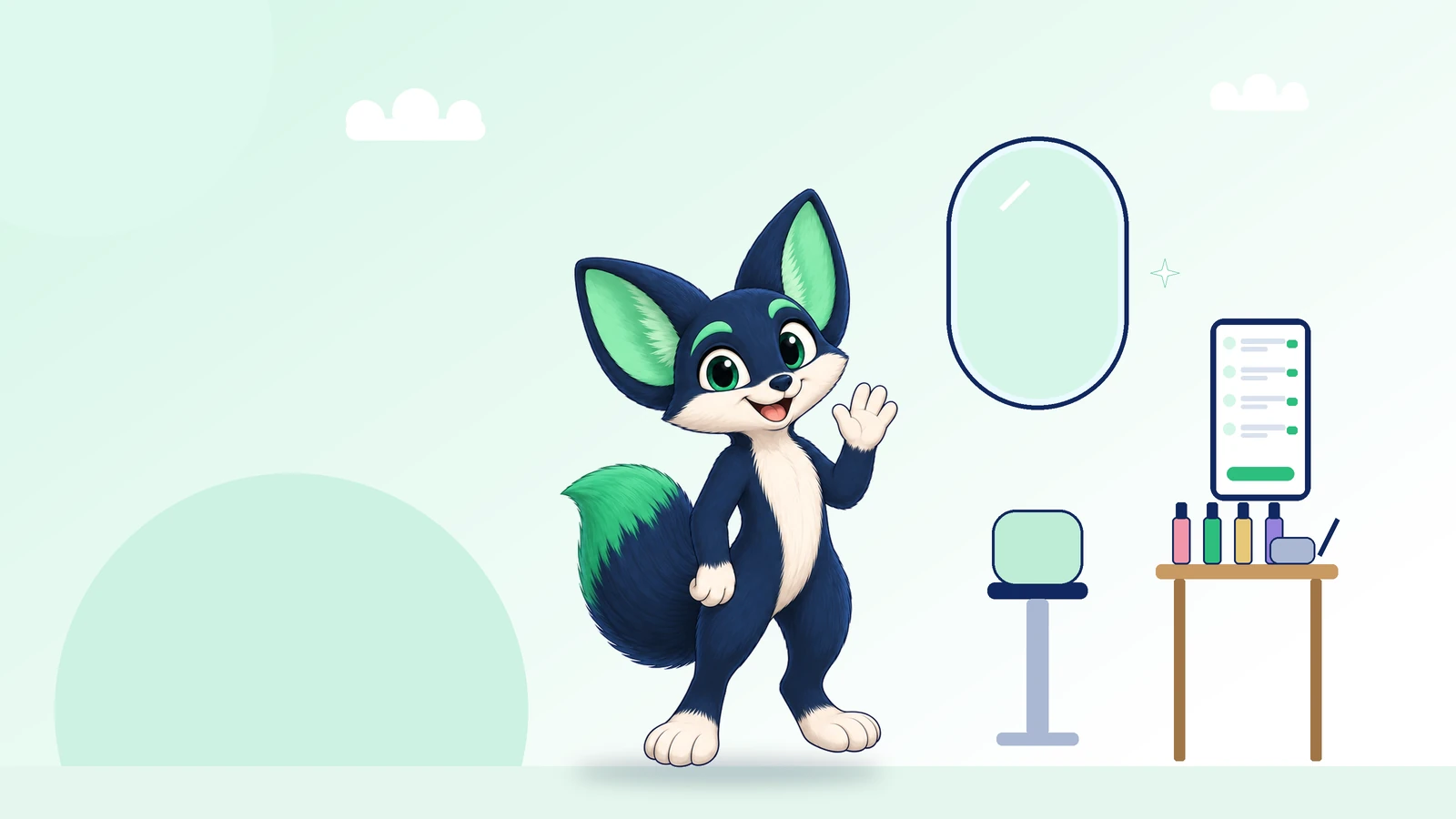
Short answer: A salon in the UAE can get steady bookings with a simple setup: Instagram to show your work, one web page with your services, prices and location, and a WhatsApp button to book. You do not need a large website. Show real photos of your work, clear "from" prices and an easy way to message you.
This setup works for ladies' salons, barbers, nail studios and lash studios in Dubai, Abu Dhabi, Sharjah and the other emirates.
How clients choose a salon
Clients decide quickly, and a few things matter most.
- Area. Close to home or work, in places like Al Barsha, JLT, Al Nahda or Khalifa City.
- Price. Clients want to know roughly what a service costs before they message.
- Photos of real work. Nails, lashes, hair, makeup. They want to see what your team can do.
- Reviews. Real comments from real clients.
- Privacy and comfort. For ladies' salons, this is often a deciding factor.
- Language. Many clients prefer Arabic, others English, and some another language. A team that speaks more than one is worth mentioning.
A client who cannot find your prices or your location in a few seconds will often try another salon.
Instagram + one page: the simple setup
Instagram is a strong shop window for a salon. It shows your style and your latest work. But it is not good at holding details such as prices, hours and directions, since they get buried under new posts.
A single page fixes that. It holds the things clients ask about again and again.
- Your services and prices.
- Photos of your work.
- Your address and map link.
- Opening hours.
- A WhatsApp button to book.
- Arabic and English text.
Put the link to the page in your Instagram bio and in your ads. Keep posting on Instagram for attention, and let the page handle the practical questions.
If most of your clients already follow you and message you to book, Instagram alone may be enough. A page helps when new clients search on Google, or when you run ads.
Service menu with prices
A clear service menu saves many messages. List each service, a short description and a price.
Use "from" prices when the final price depends on the client. For example:
- Gel manicure, from AED [your price].
- Haircut and blow-dry, from AED [your price].
- Lash extensions, from AED [your price].
This shows the format only. Use your own real prices.
Say what changes the price, such as hair length, removal of an old product or extra design. That way the "from" price does not feel like a trick.
Group services by type: hair, nails, lashes, skin, makeup. Keep each line short. Add the time a service usually takes if you can say it reliably.
Booking by WhatsApp: the message template
A WhatsApp button can open a chat with a message already written, such as the service name. Then your team asks for the rest.
Here is a simple template to reply with:
Hello, thank you for contacting us. To book, please send: 1. The service you would like 2. Your preferred day and time 3. Your name
We will confirm your slot shortly.
Keep it short and friendly. Send it in Arabic or English, to match the client's language.
Some tips:
- Reply as quickly as you can. Clients often message more than one salon.
- Confirm the booking with the date, time, service and price.
- Send a reminder the day before. It helps reduce missed appointments.
- Say your cancellation rule clearly, if you have one.
Ladies-only privacy considerations for photos
If your salon serves women only, privacy matters, and it affects how you take and share photos.
- Ask permission. Never post a photo of a client without her clear consent.
- Show only the work. Nails, lashes and hair styles can be shown without a face.
- Check the background. Make sure no other client is visible in the shot, in a mirror or behind her.
- Respect hijab and privacy preferences. Do not film or photograph clients in private areas.
- Keep staff photos respectful and consented.
- Do not use someone else's photos and present them as your work.
Say on your page that your salon is ladies only, if it is. It tells clients what to expect before they message.
Checklist for a salon page
- Salon name and area in the title.
- Services grouped by type, with "from" prices in AED.
- Real, recent photos of your work, with client permission.
- Address, map link, parking and opening hours.
- A note if the salon is ladies only.
- Languages your team speaks.
- A WhatsApp booking button at the top and at the end.
- Your cancellation rule, in plain words.
- Real reviews, with permission.
- Arabic and English versions.
- Fast loading on mobile.
Reviews and word of mouth
Salon clients trust other clients. Ask happy clients if they would leave a review on Google, and thank them when they do. Use a client's words on your page only with her permission, and never write reviews yourself.
Reply politely to every review, including critical ones, and never share a client's personal details in a reply. A calm, helpful answer shows future clients how you treat people.
Common mistakes
- No prices. Clients message less when they cannot see a price.
- Old photos. Show recent work that matches what you offer now.
- No location. Add the area, a map link and parking information.
- No Arabic. Some clients read Arabic first.
- Slow replies. A client waiting a day may book somewhere else.
- Using someone else's photos. It is unfair and clients notice.
- Too many buttons. One clear way to book is enough.
FAQ
Do I need a website for my salon?
Not necessarily. Instagram and WhatsApp can be enough for a salon with loyal clients. A single page helps when you want new clients to find your prices and location.
Should I show prices?
Yes, in AED. A "from" price is fine when the final cost depends on the client.
How do clients book on WhatsApp?
They tap a button, and WhatsApp opens with a message ready to send. You then confirm the service, day and time.
Can I post photos of clients?
Only with their clear permission. For ladies' salons, avoid showing faces and make sure no other client appears in the photo.
Do I need Arabic and English?
Clients in the UAE read in both. Offering both lets more people understand your services and feel welcome.
GrowthPages builds a free preview page for your business. Message us on WhatsApp +971 50 554 0822.