QR Menu for Restaurants in Dubai: What to Look For Before You Choose One
 GrowthPages team · 2026-11-27
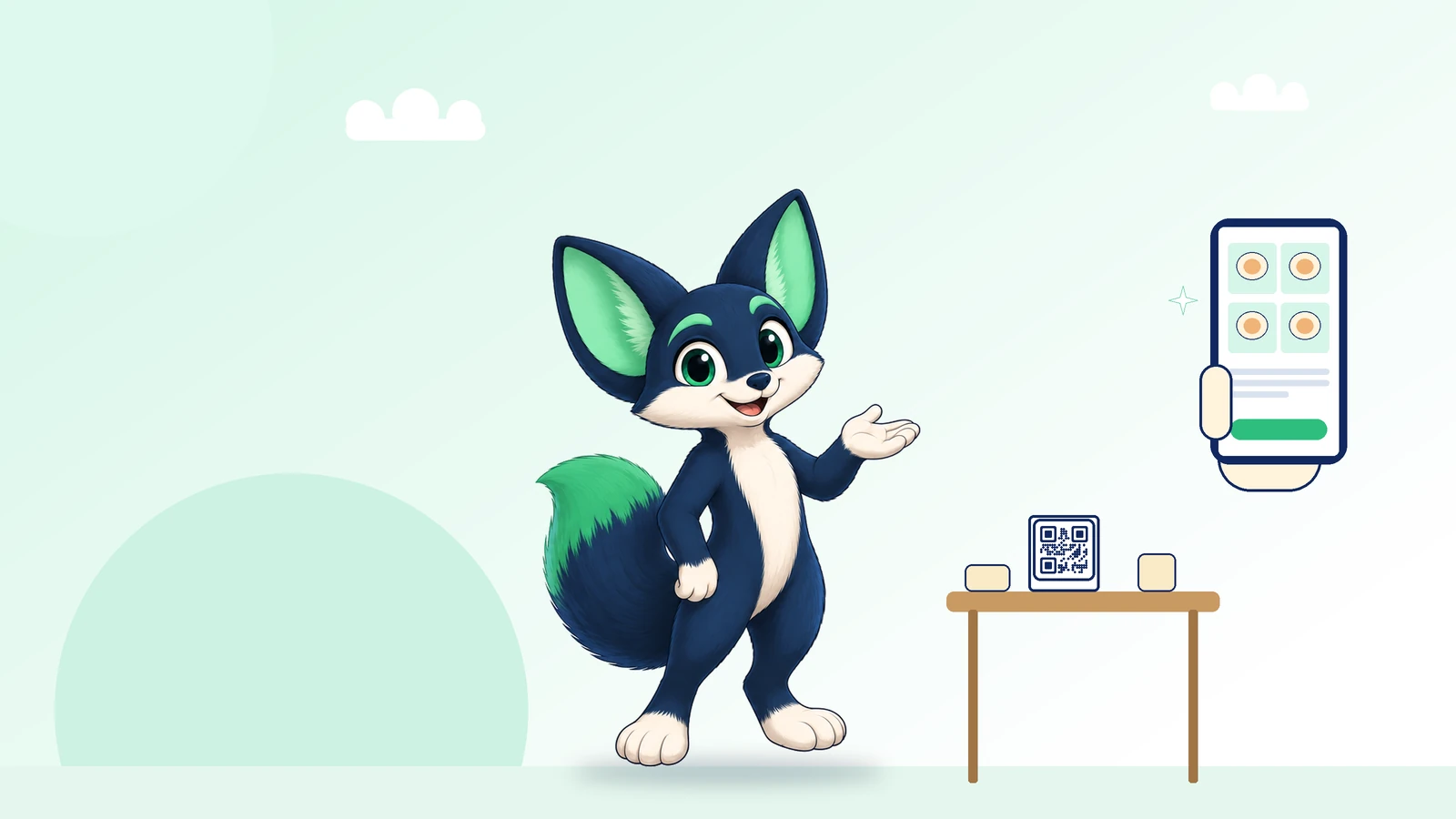
Short answer: A good QR menu is a mobile web page that opens fast, shows your dishes with prices in Arabic and English, and lets the diner send an order to your WhatsApp. A PDF behind a QR code is not the same thing. Small restaurants and cafés in Dubai, Abu Dhabi and Sharjah usually need the web page, not a full POS-integrated system.
Before you pay for any QR menu, check how it looks on a phone with weak signal and whether the order actually reaches your staff.
What a QR menu is (and why a PDF is not one)
A QR menu is a code on the table that opens your menu on the guest's phone. The code is only the door. What matters is the page behind it.
A PDF is a printed menu saved as a file. The guest has to download it, zoom in, pinch and scroll sideways. On mobile data it can be slow, and it is hard to update every time a price changes.
A real QR menu page is built for phones. Text is readable without zooming, dishes are grouped in sections, and you can change a price once and every table sees it.
What diners in the UAE expect
Diners here come from many countries, and they read different languages. Your menu should keep up.
- Arabic and English. Both languages, with proper right-to-left layout for Arabic. A switch at the top lets the guest choose with one tap.
- Photos. Real photos of your own dishes, not stock images. Guests order faster when they can see the plate.
- Prices. Show the price in AED next to each item. A menu without prices makes guests ask the waiter, and some leave.
- Fast on mobile data. Many guests will not join your Wi-Fi. Keep images light so the page loads on a normal phone connection in a mall, a marina or a corniche café.
- Clear notes. Mark vegetarian items, spice level and common allergens where you can do it accurately.
Table QR + WhatsApp ordering: how it works step by step
For a small restaurant, WhatsApp can act as a simple order system. Here is how the flow works.
- The guest scans the QR code on the table.
- The menu page opens in the browser. No app to install.
- The guest picks items and taps the WhatsApp order button.
- WhatsApp opens with a message already written: the items, the quantities and the table number.
- The guest taps send. The order arrives in your restaurant's WhatsApp.
- Your team confirms and prepares the order.
The table number is the key detail. Use a different QR code, or a different link, for each table so the message shows where to bring the food.
Decide who watches the phone. One person, or a shared device at the pass, should be in charge of the WhatsApp inbox during service. If nobody looks at it, guests wait and the system fails.
Delivery and car orders from the same menu
The same menu page can serve more than tables. Keep it simple.
- Delivery. Add a line in the message for the guest's area and building. Say which areas you deliver to, such as Jumeirah, Al Barsha or Al Majaz in Sharjah.
- Car orders. Many cafés in the UAE serve guests in their cars. Put a separate QR code on a sign in the parking area, and ask for the car model, colour and plate number in the message.
- Pickup. Add a pickup option so the guest can tell you when they will arrive.
Use one menu, with the order type chosen in the message. That way you update prices in one place.
Checklist: 10 things a good QR menu must have
- Opens in the phone browser with no app and no sign-up.
- Loads quickly on mobile data.
- Arabic and English, with right-to-left layout for Arabic.
- Prices in AED on every item.
- Photos of your real dishes.
- Sections that are easy to scroll, such as starters, mains, drinks and desserts.
- A WhatsApp order button that builds the message for the guest.
- The table number in the message.
- Your opening hours, location and phone number.
- An easy way for you to edit items and prices yourself, or to ask for changes.
When a bigger system is the better choice
Be honest about size. A large chain with many branches, kitchen printers, stock control and card payments at the table may need a full POS-integrated ordering system. That is the right choice for them.
A small restaurant or café with one or two branches often does not. For them, a clean menu page with a WhatsApp order button covers the main need with less cost and effort to set up.
If you take payment at the table through your existing card machine, a simple QR menu can sit beside it without any change.
Questions to ask a provider before you choose
A menu page is easy to promise and harder to run. Ask these before you commit.
- Who edits the menu when a dish sells out or a price changes, and how fast?
- Is the Arabic version built right to left, or is it English text pushed to the right?
- What do you pay each month or each year, and what happens to the page if you stop paying?
- Can you see a preview on your own phone before you pay?
Common mistakes
- A PDF menu. It is slow, small and hard to update. Replace it with a mobile page.
- No prices. Guests do not want to ask. Show every price.
- No Arabic. You lose guests who prefer to read Arabic.
- Broken links. A printed QR code that leads to an old page is worse than no code. Test every code before you print, and test again after each change.
- A tiny code. Print the code large enough to scan from a normal sitting distance, on a clean surface without glare.
- One code for every table. Without the table number, staff do not know where to deliver.
FAQ
Do I need an app for a QR menu?
No. The guest scans the code and the menu opens in the phone browser. There is nothing to download.
Can a QR menu take orders on WhatsApp?
Yes. The menu page can include a button that opens WhatsApp with the order already written. It reaches your restaurant's number, and your team replies from there.
Is a PDF menu good enough?
It works as a short-term fix, but it is hard to read on a phone and slow to update. A mobile menu page is easier for guests and for you.
Do I need Arabic and English both?
Most restaurants in the UAE serve guests who read one or the other. Having both lets every guest read the menu in the language they prefer.
Do I need a POS system?
Not always. Large chains with many branches often do. A small restaurant or café may only need a good menu page and a WhatsApp order flow.
GrowthPages builds a free preview page for your business. Message us on WhatsApp +971 50 554 0822.
Related: Sales pages for Restaurants & Cafés